
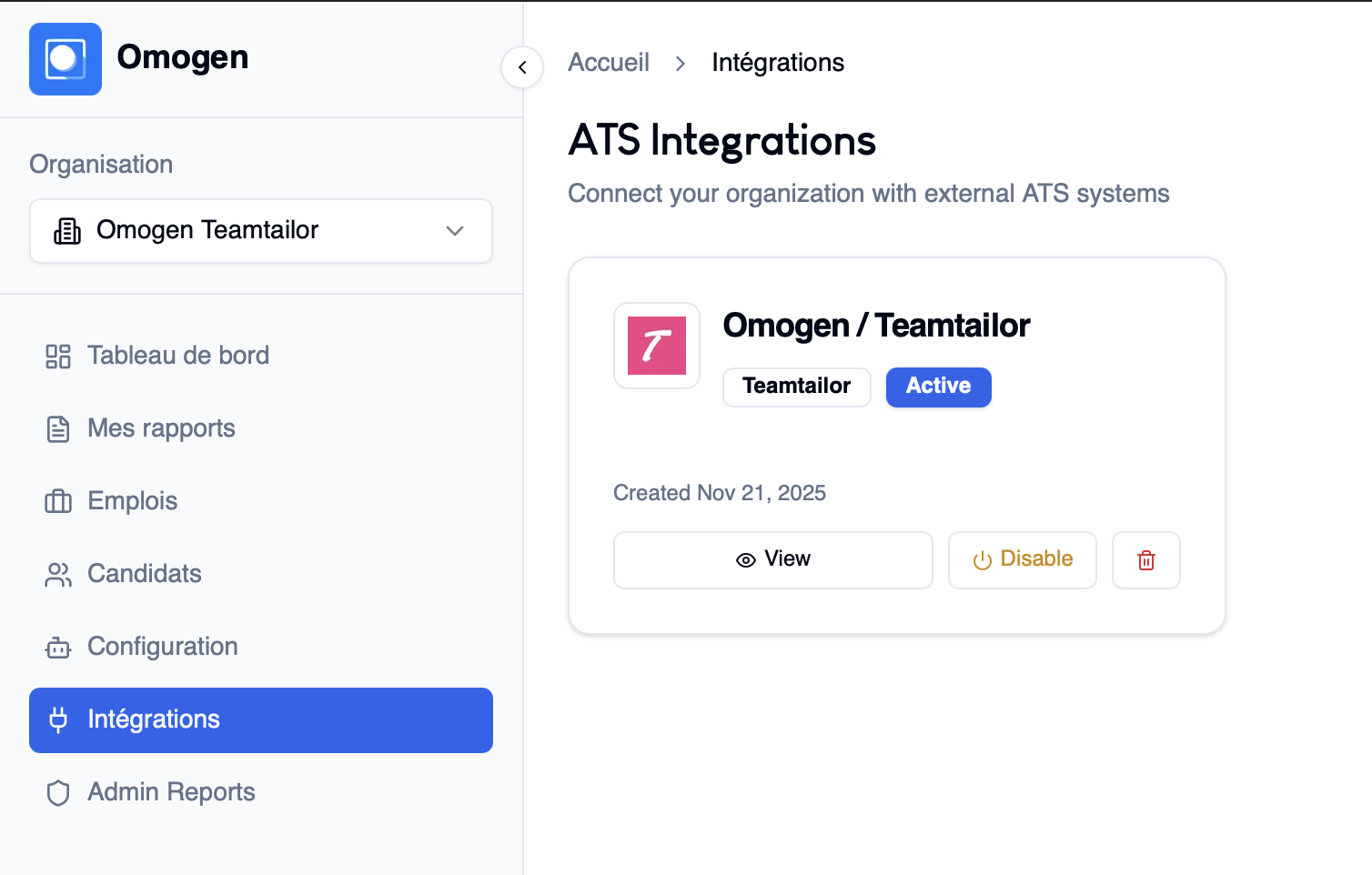
Category: Interview
Problem: I don't see a tab when creating a new job from my ATS
Solution: This may be because the API key was not correctly entered in your ATS. Without this key, synchronization cannot work properly. If the API key is correctly entered and the problem persists, it may be a bug. In that case, contact support.
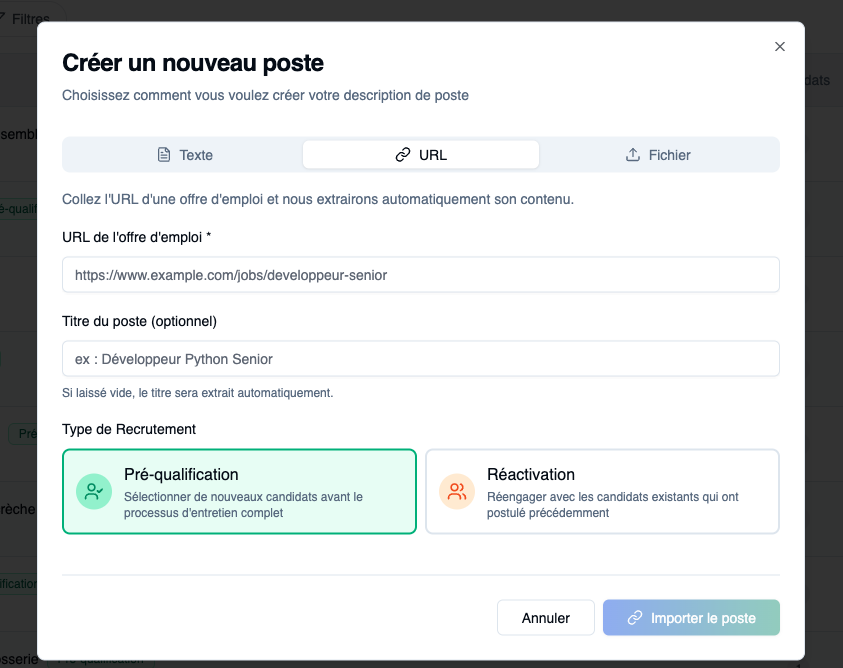
Problem: I enter a job posting URL but it doesn't work
Solution: If the URL requires a login (username/password), Omogen cannot access the content.
Other solutions:
- Use a public URL
- Or copy/paste the description into the "Text" field
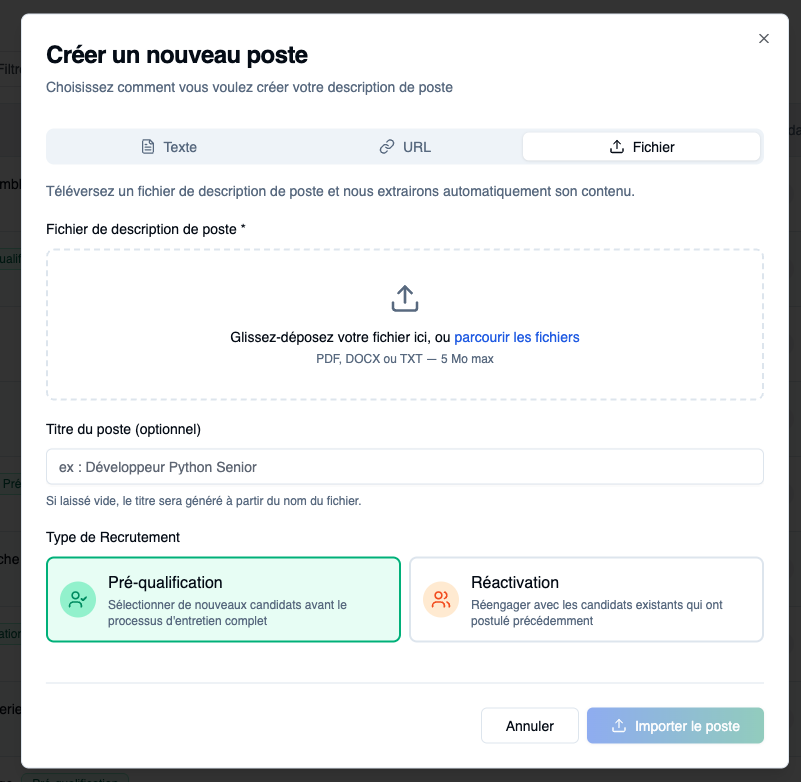
Problem: I can't import a job description file
Solution: Two possible causes:
- File > 5 MB
- Unsupported format
Accepted formats: PDF, DOC/DOCX, TXT
Alternative solution: Copy/paste the description into the "Text" field
Problem: Question generation is not working
Solution: Try reloading the page. If the problem persists, it may be an interface bug — contact support.
Problem: Questions were automatically added to my interview that I don't want
Solution: Delete them using the trash icon.
If these questions are systematically added to all your interviews:
- They probably belong to your company's default criteria list
- To modify this list, contact support
Advanced template management will be available soon.
Problem: I don't know how to move a question in my interview template
Solution: Hold the question and drag it to the desired position.
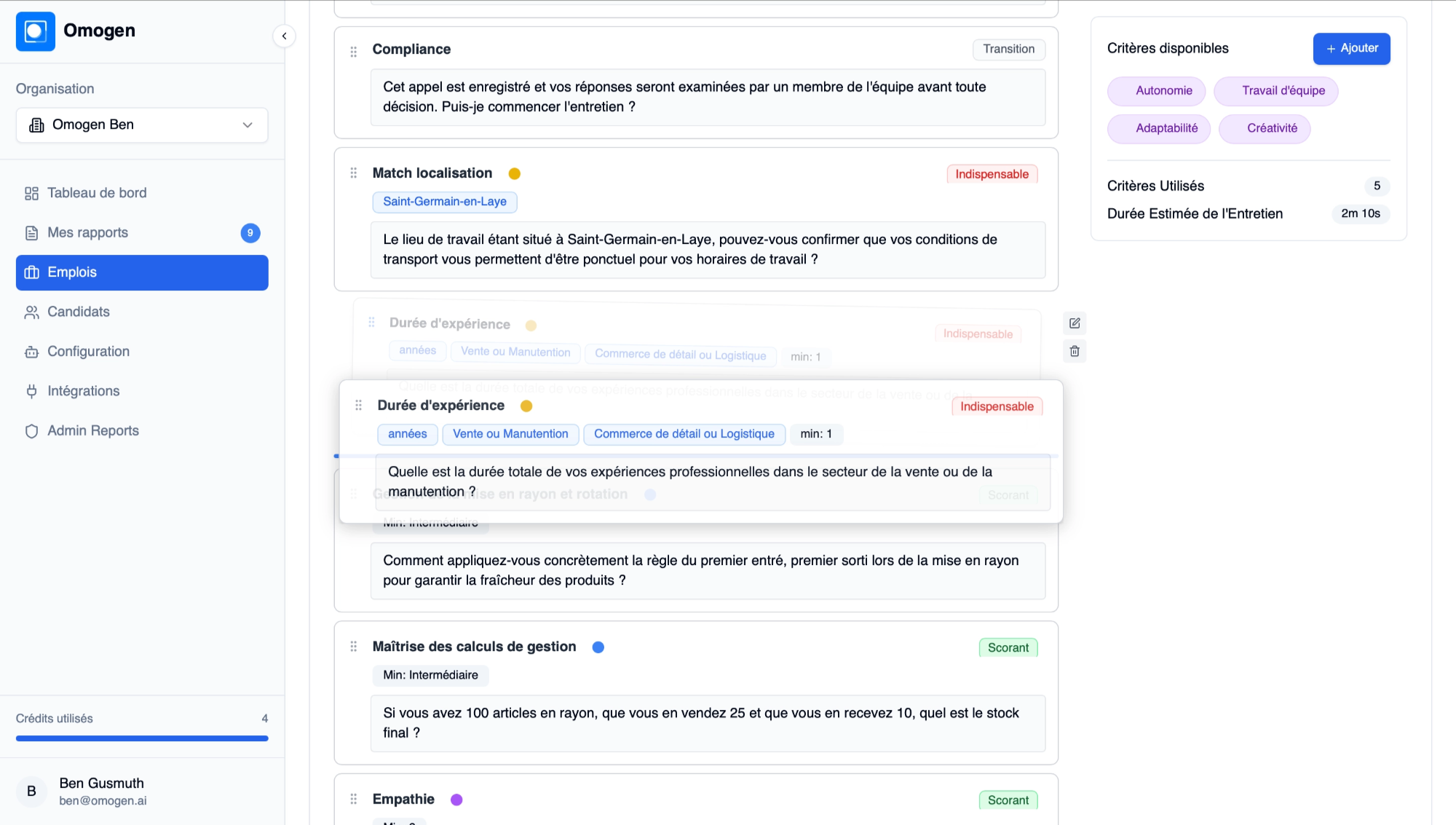
Problem: The text (questions / intro / conclusion) doesn't suit me
Solution: Click on it and edit the text.
Specific notes for introduction and conclusion:
- You can modify them for a specific interview template
- For a global change (applied to all future interviews), contact support
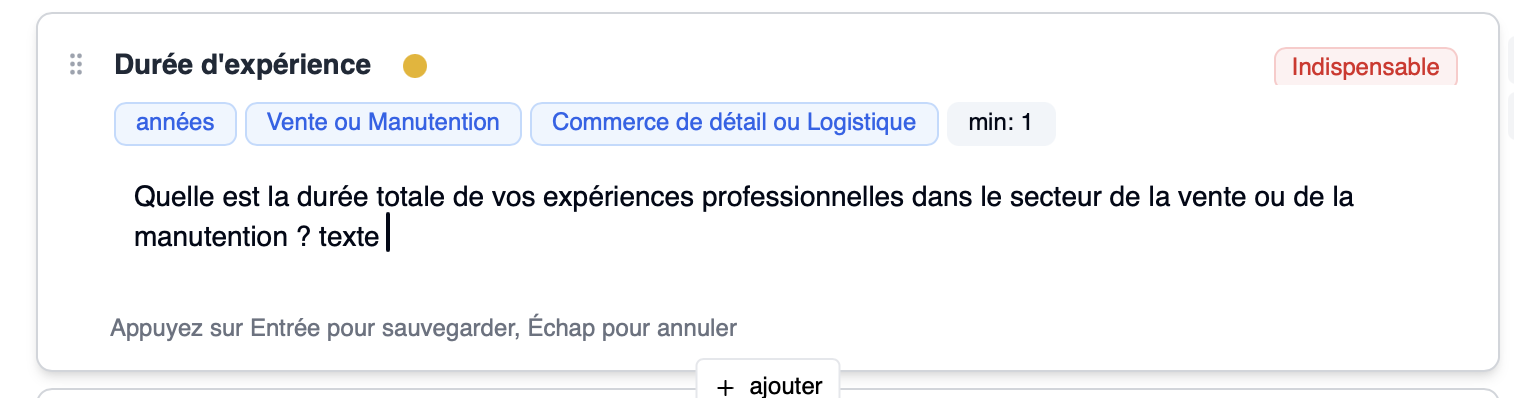
Problem: I don't know how to add a question to my interview template
Solution: Click Add:
- Choose from our question library
- Or create your own custom question
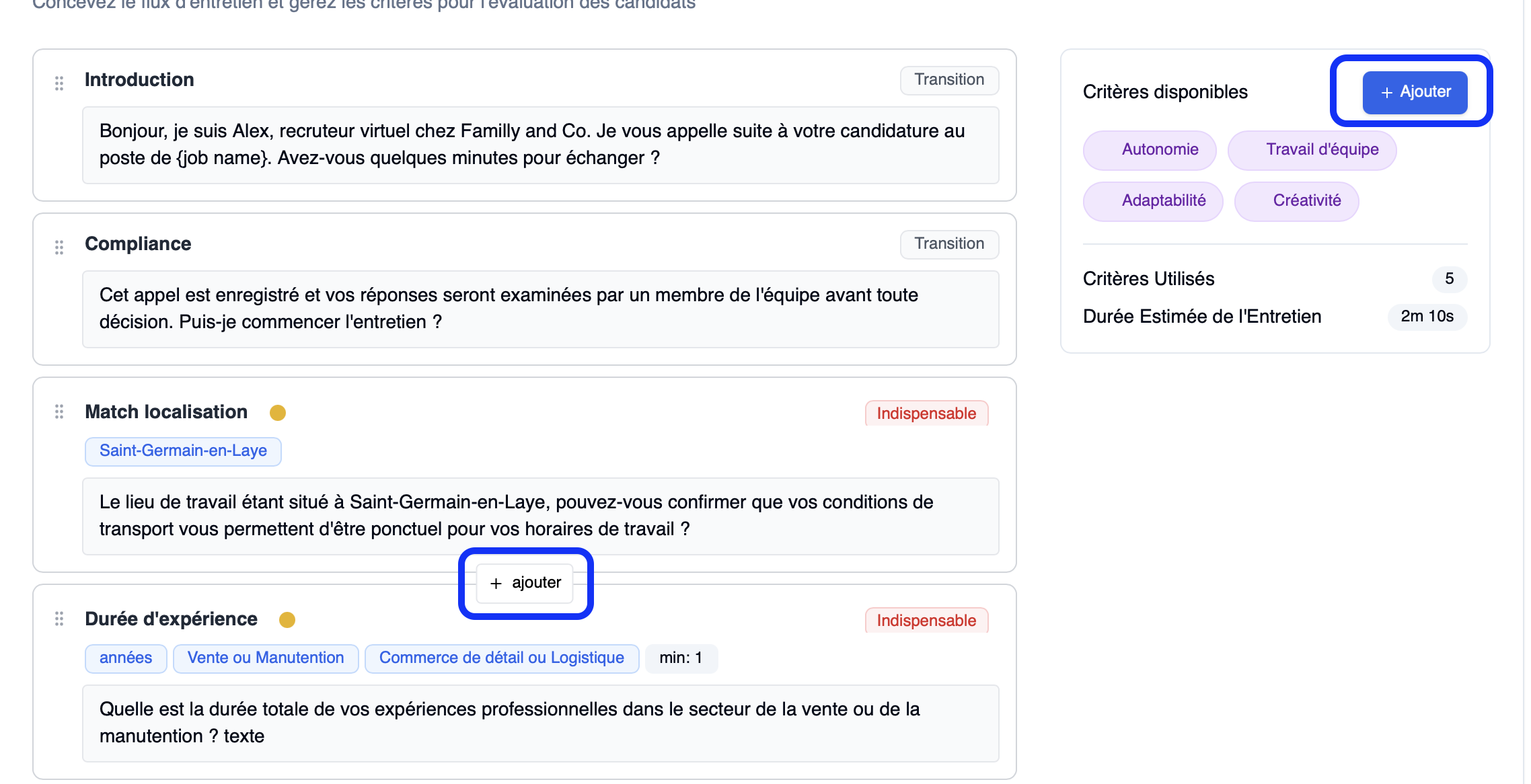
Problem: I don't know how to change the type of a question
Solution: Click on the tag on the right side of your question and switch to your desired type:
- Scoring
- Mandatory
- Informational
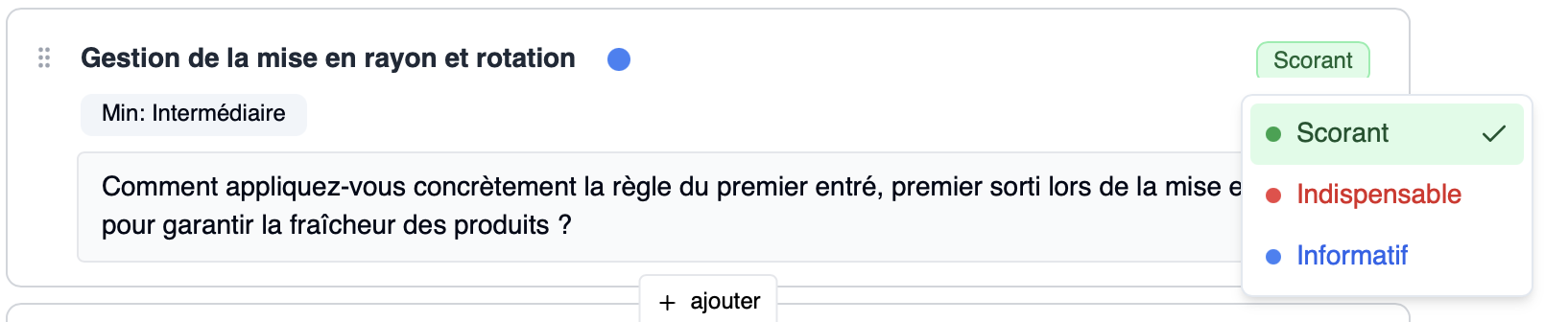
Problem: The evaluation data for a question is incorrect
Solution: Click the pencil icon (which appears on the right side of the question) and modify:
- experience
- location
- salary
- degree
- etc.

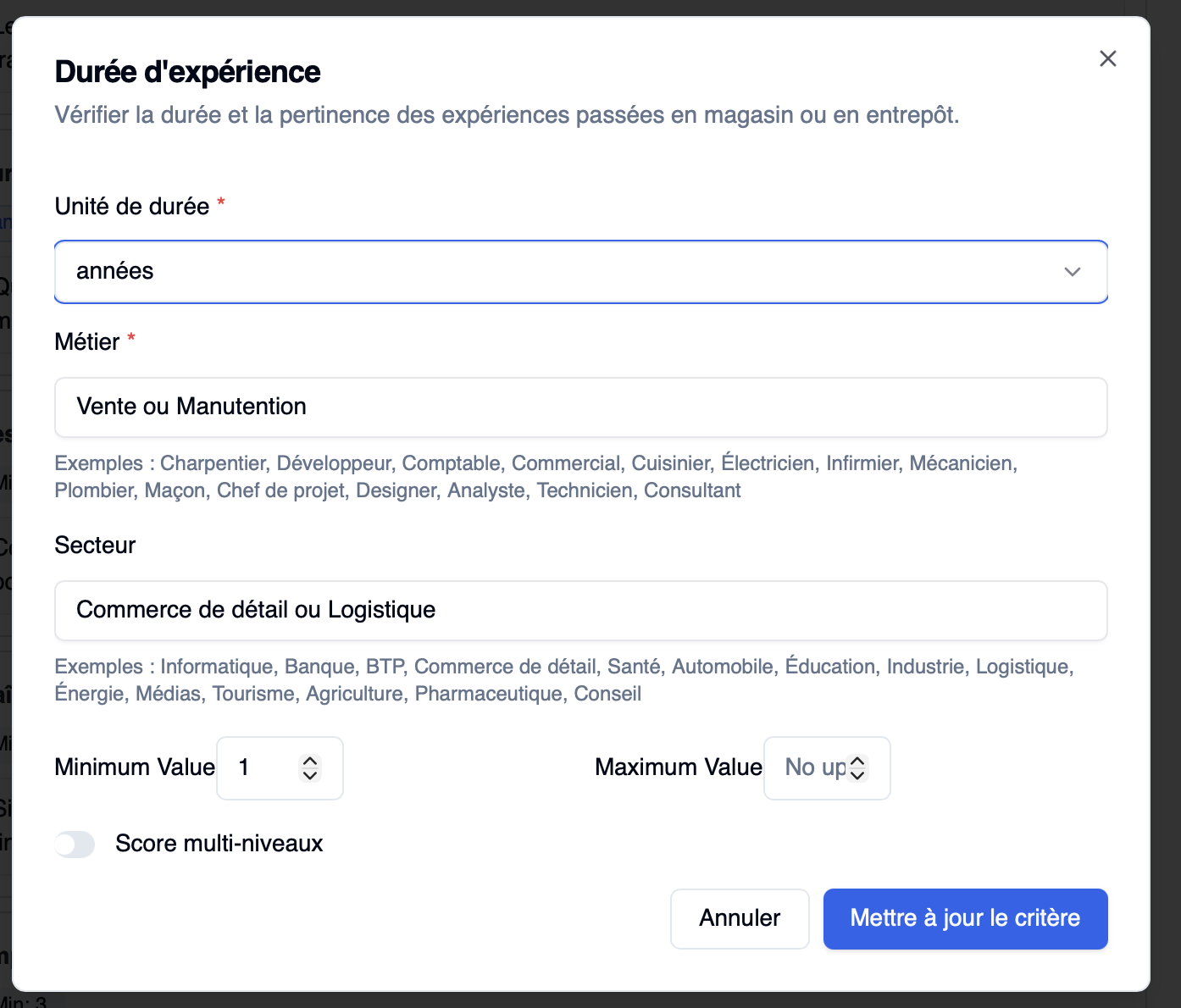
Problem: Scores are too generic — I want multi-level evaluation
Solution: Enable multi-level scoring via the pencil icon. You can define multiple levels with percentages.
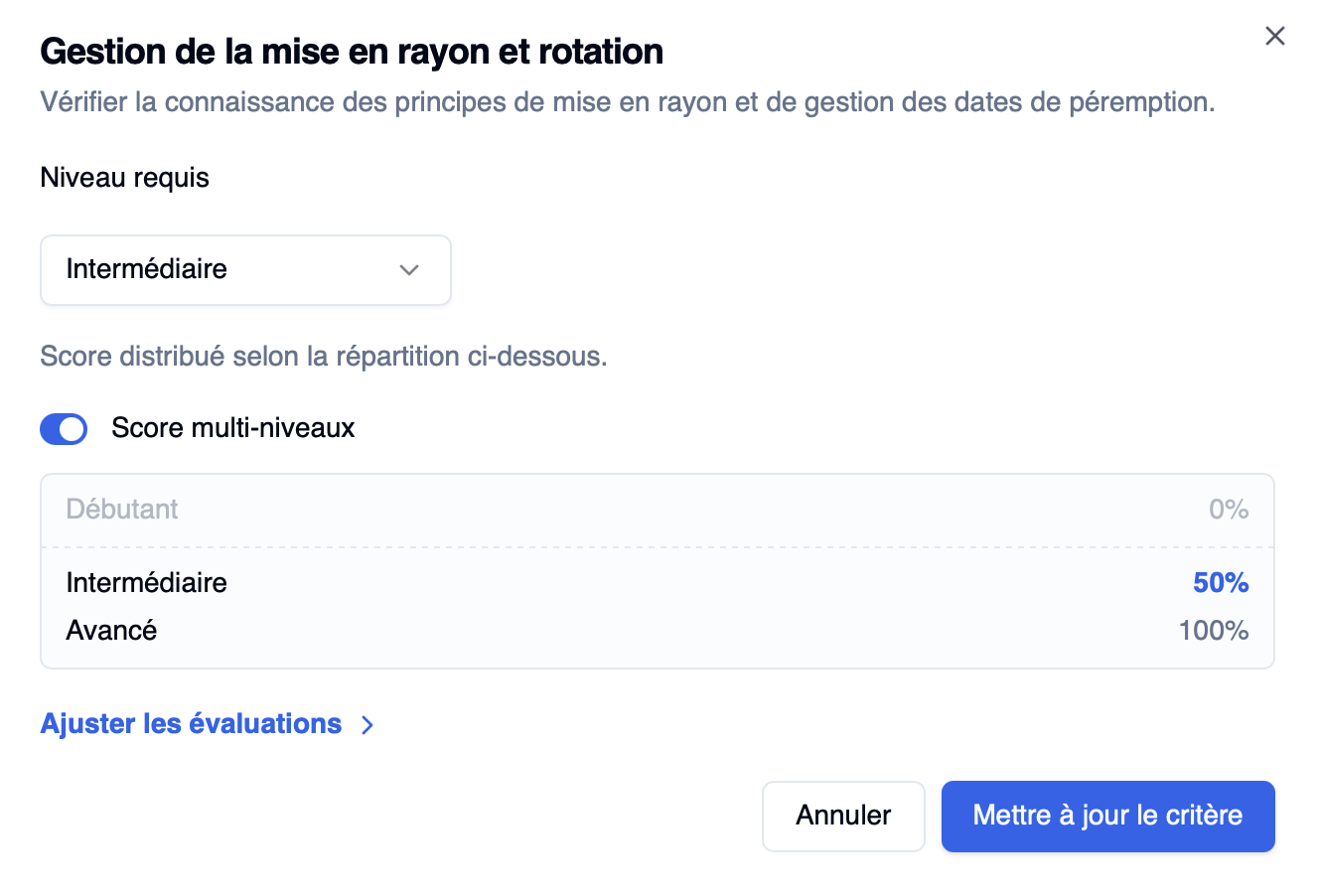
Problem: I want to customize scoring with weighted levels
Solution: Enable multi-level scoring.
Example for an experience question:
- 0 years → 0%
- 1 year → 30%
- 2 years → 60%
- 5 years → 100%
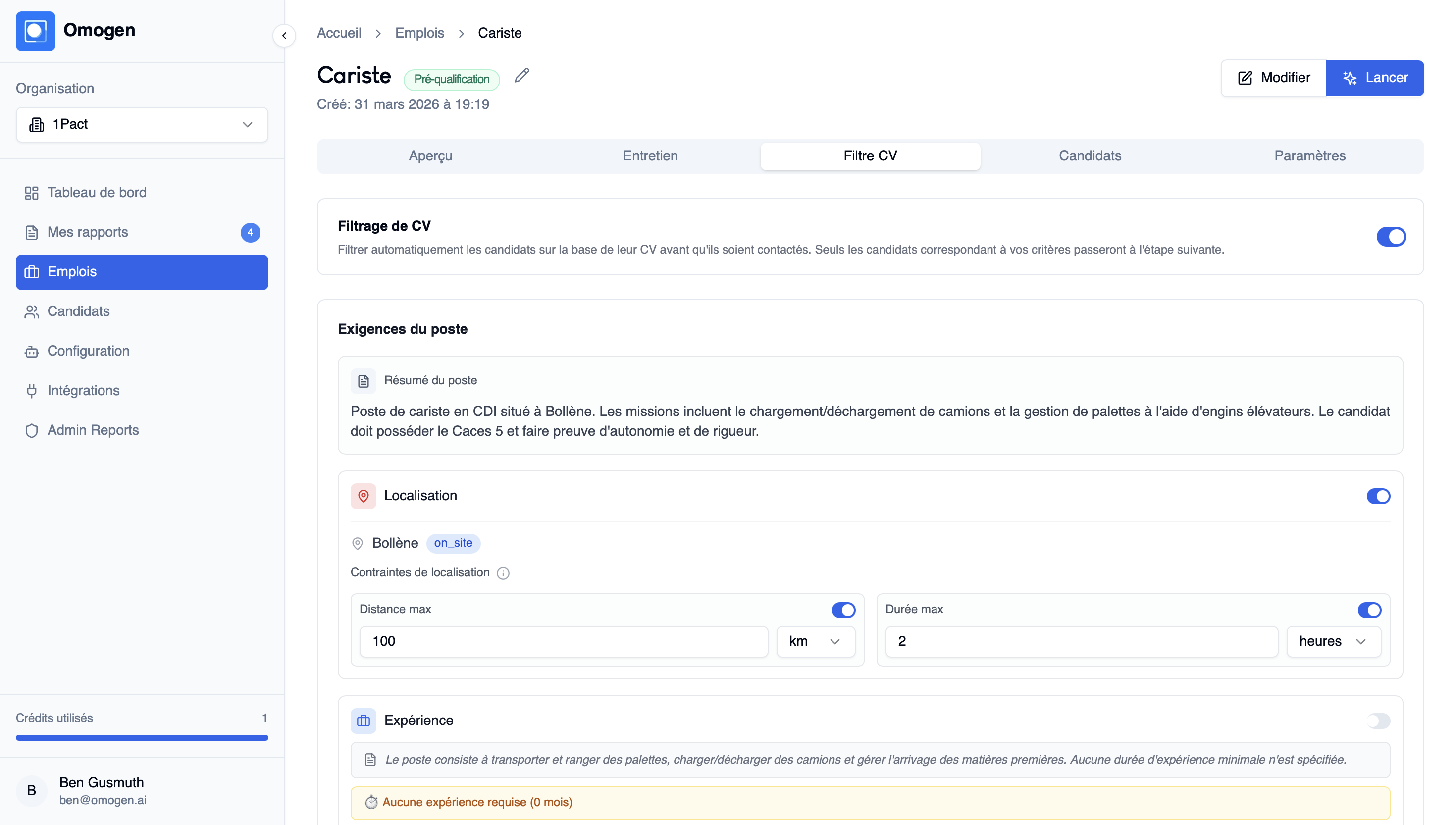
Problem: CV filters are not consistent
Solutions:
To modify your CV filter for a specific job only:
- Click on the relevant job then on the "CV Filter" section
- Enable / disable the filters
To modify the default settings for your account's CV filter, contact support.