

What's New in Omogen
The latest product updates, explained for recruiters.
October 2026
Beetween: Omogen in the Marketplace, and one step per result
Activate Omogen from the Beetween Marketplace, then set up the assessment without leaving Beetween. Omogen can now move each candidate to a different step based on their result: resume recommended, resume not recommended, recommended or not recommended after the interview, inconclusive interview. → Using Omogen in Beetween
July 2026
Improve Mio's answers to candidate questions
Add notes about your organization (culture, values, benefits) or about a job posting (salary, schedule): Mio uses them to answer candidates during the interview. You can also review the questions already asked, correct Mio's answers, and fill in the ones left unanswered. → Step 5 — Improve answers to candidate questions
Track your bug reports
You can now track the progress of your reports directly from Omogen. The "My Reports" button on the reports page shows the status of each one (Open, In progress, Resolved, Archived), along with the technical team's replies. A chat bubble with Mio is also always available for quick help. → Report a Bug
New visual identity: say hello to Mio
Omogen has a new look: a warmer color palette, a new logo, and a mascot — Mio — who is now the face of your AI agent throughout the dashboard. For new organizations, the agent is now named Mio (or Mia, depending on the selected voice) instead of Alex. This name stays fully customizable at any time from Configuration → Agent → Identity.
March 2026
Webcall interview — your candidates take the interview from their browser
Your candidates can now take their interview with Alex directly from their web browser, without picking up the phone. When receiving the invitation, they choose between a phone call or an online interview. No configuration required on the recruiter side. → Webcall interview
Your summary emails have a new look
The daily or weekly summary email now displays a complete table of all your processed candidates (name, position, score, recommendation, appointment, report). The new format is applied automatically. → Daily routine
End-to-end multilingual pipeline
The language set on a job posting is automatically propagated to the entire pipeline: criteria, questions, call script. Supported languages: French, English, Spanish, German, Italian. → Recruiting in multiple languages
Country filtering for outbound calls
You can now restrict outbound calls based on the candidate's phone number country (whitelist or blacklist). A candidate whose country is filtered will not be called. Configure this in your organization settings. → Filter calls by country
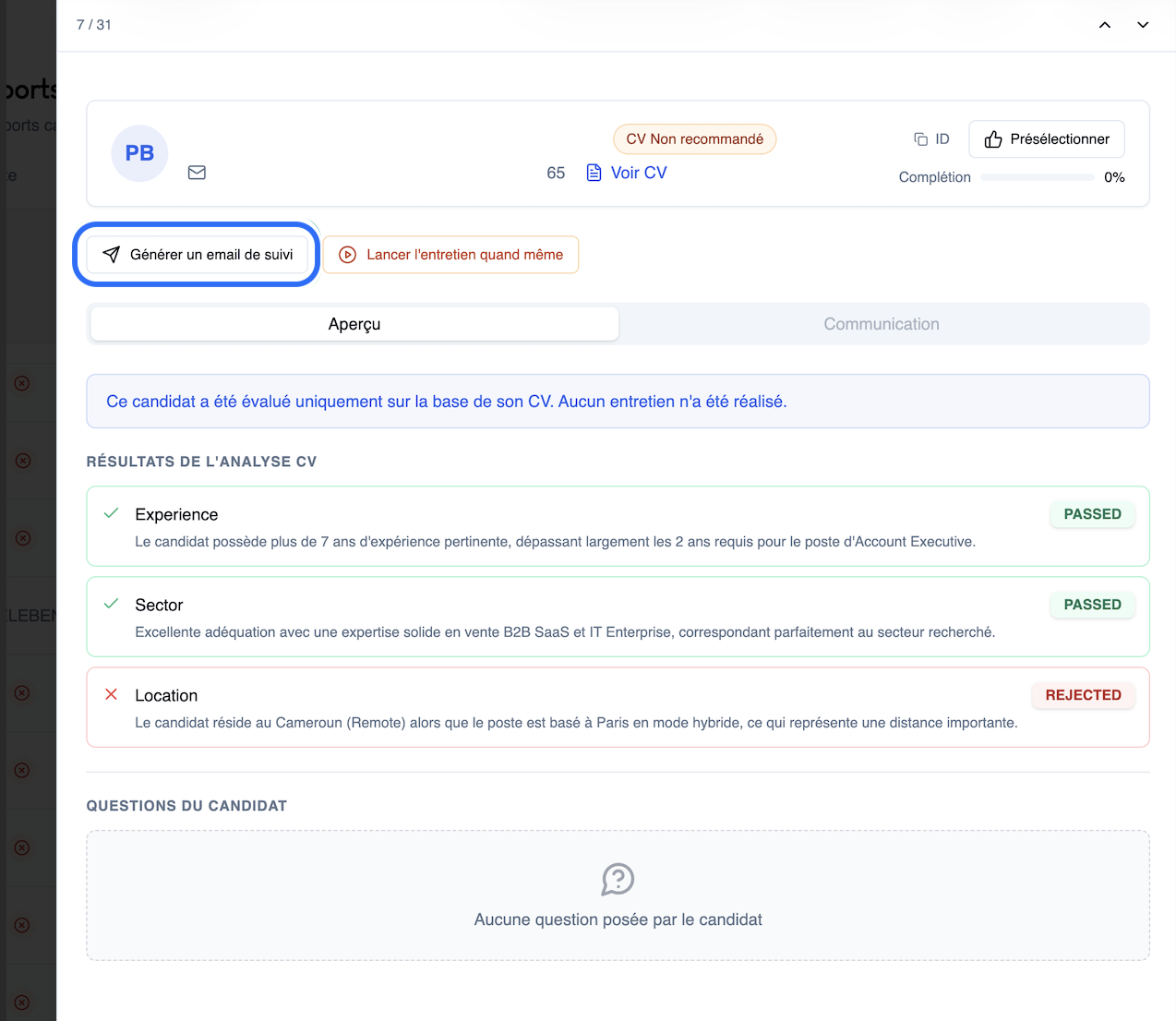
Automatic follow-up email generation
From a candidate's report, Omogen can draft a personalized follow-up email in one click: feedback, next steps, thank-you note, or professional rejection. The email is ready to send — simply copy it or open it in your email client. → Reading an interview report
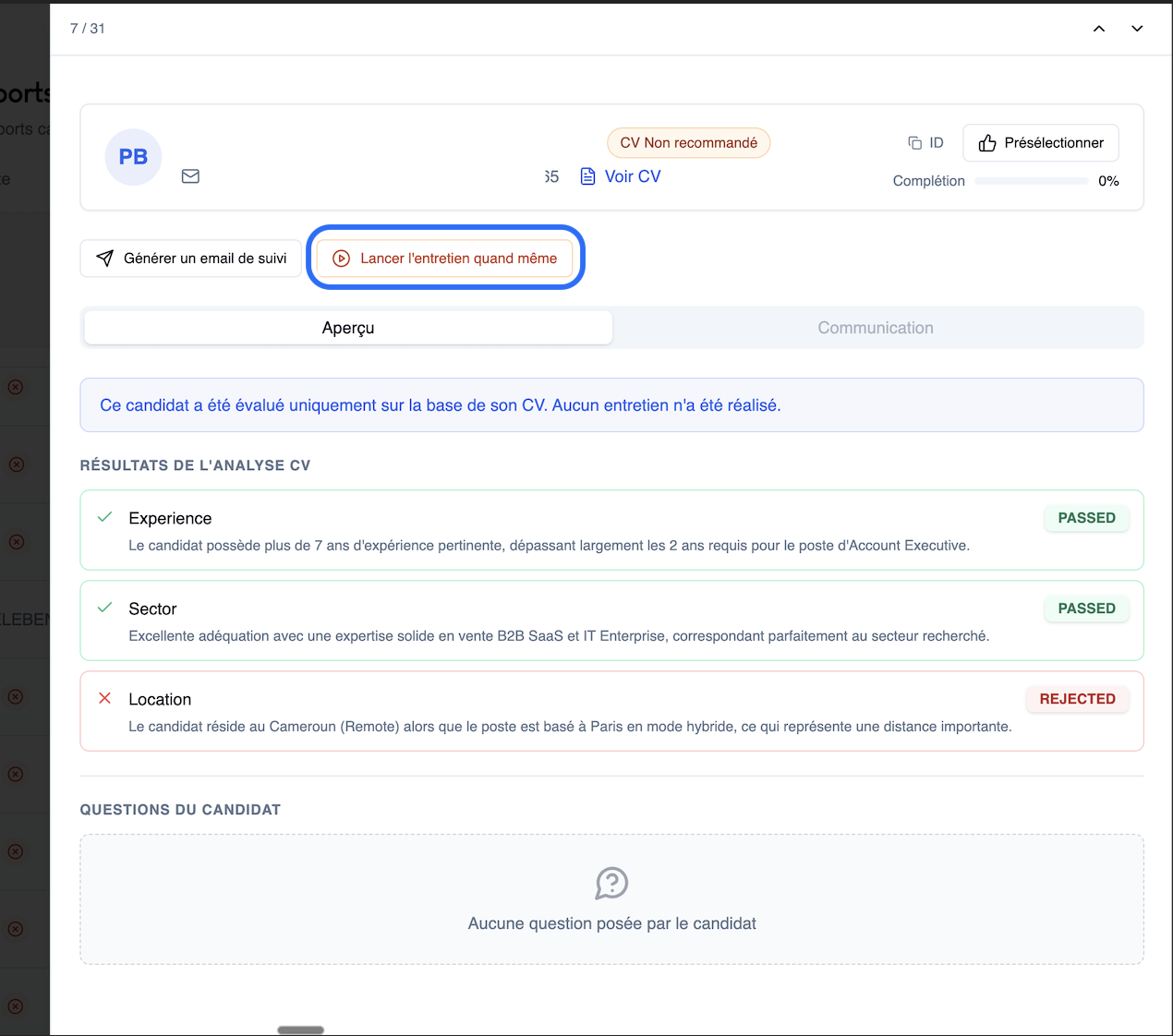
"Launch interview anyway"
When a candidate is identified as "CV no match," you can now force the launch of the phone interview in one click. More flexibility to avoid missing a strong profile despite an imperfect CV. → Understanding CV screening
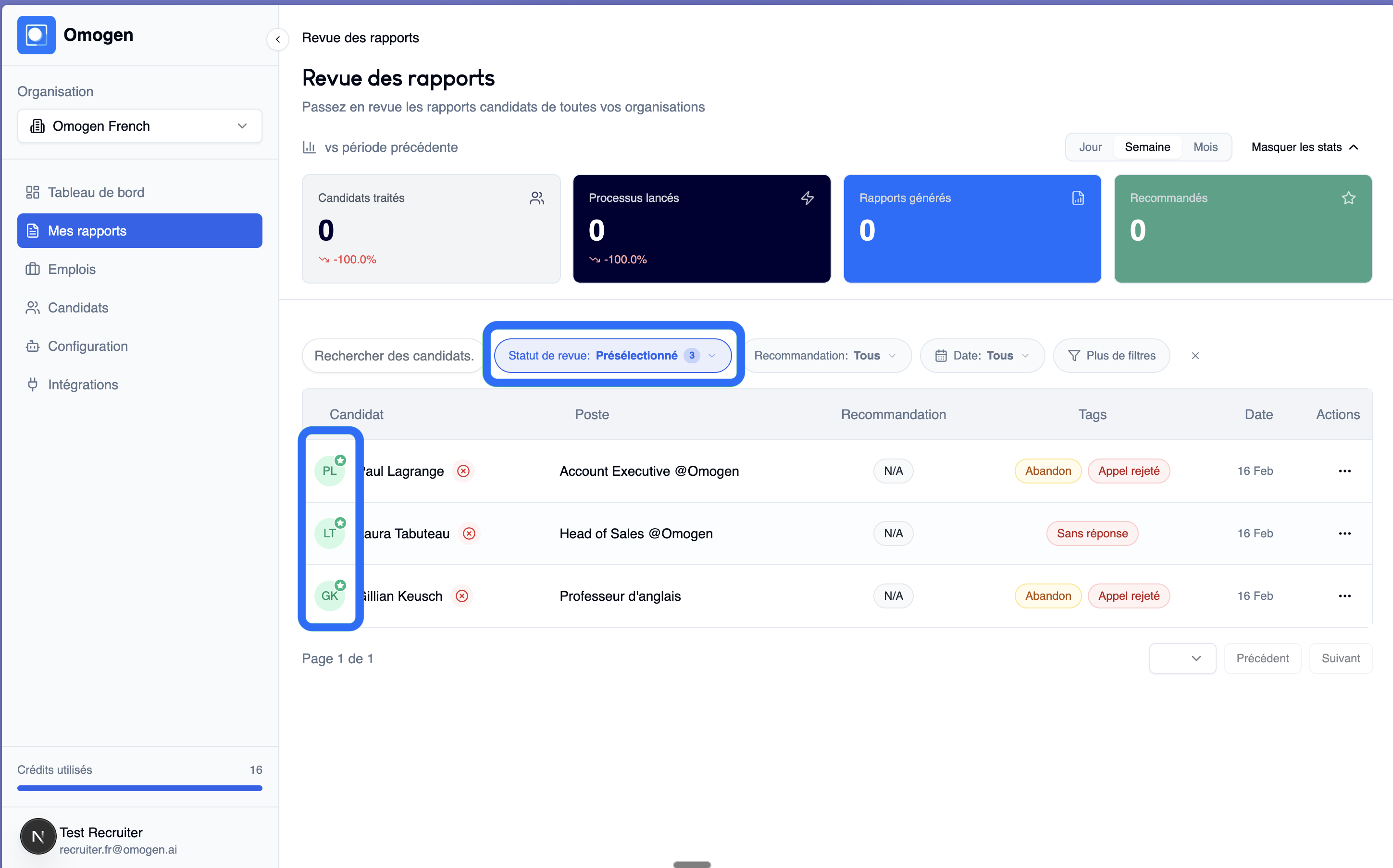
Shortlist
Add your best profiles to a shortlist in one click during your daily review. Then filter on "Shortlist" to view only your favorites and accelerate the next steps. → Daily routine
Last updated: 2026-03-18